
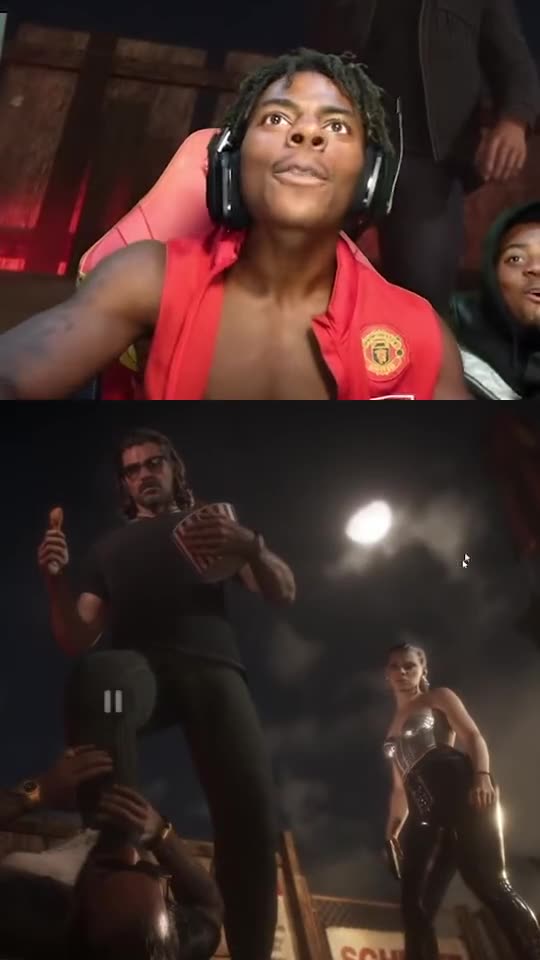
AI Clips for Podcasters: Grow Your Show with Short Videos
Podcasters: turn every episode into vertical clips for TikTok, Shorts and Reels. A frame that follows the speaker, captions and silence cutting, from one link, every week.
Short clips are one of the most effective ways to bring new listeners to a podcast. A strong 60-second take travels far further than a full episode link. But cutting, reframing and captioning clips every week is a lot of work. Dramanado handles it from a single link.
What podcasters get
- The best takes, found for you: the AI picks the strongest moments and gives each clip a viral score from 0 to 99.
- Follows the speaker: the vertical frame follows whoever is talking.
- Tighter pacing: pauses and hesitations cut automatically.
- Captions: word by word, with key words highlighted, for muted viewing.
- Ready-to-post text: a hook, description and hashtags for each clip.
A weekly workflow
- Publish your episode as usual.
- Paste the video link (YouTube, Google Drive, Dropbox) or upload the file in the dashboard.
- For episodes over 70 minutes, pick the strongest 70-minute range, or run two projects.
- Add a brief if you want to focus on a topic or guest.
- Launch, download and schedule clips until the next episode.
Step-by-step guide: podcast to clips.
Recommended settings
- Video type: Podcast.
- Length: Monetizable (61-90 s) or Long (1:30-2:30) so ideas can land; Short (30-60 s) for reach.
- Cut silences and zooms on.
- Opening hook on, to start on the strongest line.
- Captions: Automatic, or a clean style; Center placement works well for talking heads.
One episode, plenty of clips
On Auto, the number of clips adapts to the episode's length; you can also set it yourself. A full episode usually gives enough to post regularly until the next one. Clips stay downloadable for 7 days, so download them all at once. See downloading your clips.
Guests and permission
If you own the show, you can clip it. Letting guests know their clips will be posted is good practice. If you clip someone else's podcast, get permission first: see clipping, copyright and permission.
Reuse across platforms
The same episode can feed TikTok, YouTube Shorts and Instagram Reels. Run one project in the Monetizable 61-90 s format for TikTok, where videos over 1 minute can earn through the Creator Rewards Program, and another in Short for Reels or Shorts. Each project writes text for the platform you pick. Read make money with TikTok clips for the rules.
Can I clip a podcast episode longer than 70 minutes?
Yes, pick a range of up to 70 minutes per project and run another project for the rest.
Does it work with three or four people?
The frame follows whoever is talking, so it adapts as the conversation moves around the table.
Can I keep a serious, branded look?
Yes. Turn off emojis and sound effects, pick a clean caption style, and set the tone in the brief.
Try it on your own video
Paste a Twitch, Kick, YouTube or TikTok link and get captioned clips in minutes.