
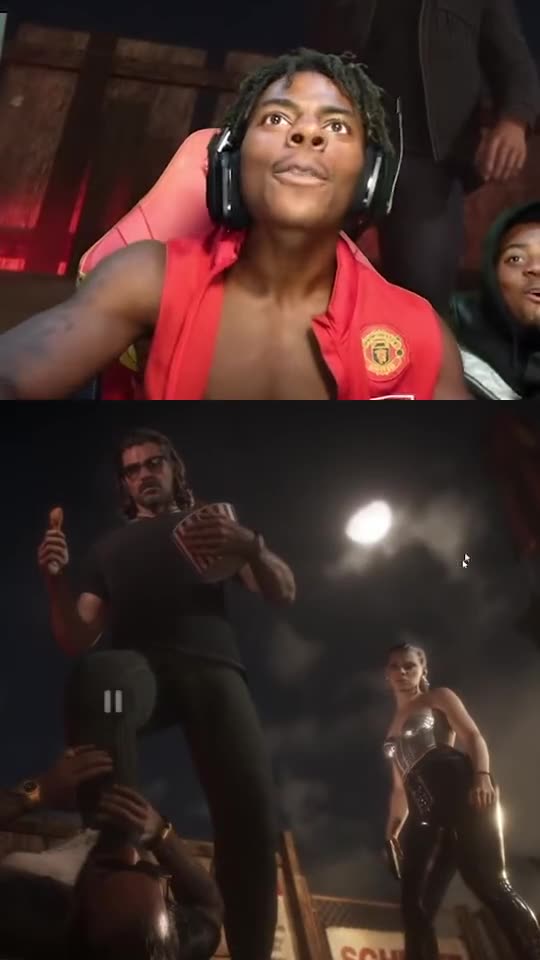
How to Turn Kick Streams into Viral TikTok and Shorts Clips
Paste a Kick VOD link and get vertical, captioned clips for TikTok, YouTube Shorts and Reels. Pick the part of the stream, the AI finds the best moments.
Kick streams tend to be long, loud and full of reactions: perfect raw material for short clips. Dramanado takes a Kick VOD link, finds the moments worth posting and turns them into vertical captioned clips for TikTok, YouTube Shorts and Instagram Reels.
Step by step
- 1Copy the Kick VOD link
Open the past stream on Kick and copy its full link.
- 2Paste it in the dashboard
Go to the dashboard and paste the link.
- 3Choose the part to clip
Pick a range of up to 70 minutes. For long streams, focus on the part you know is good.
- 4Pick the platform and length
TikTok, Shorts, Reels or Facebook, and a length from Very short to Long. Monetizable (61-90 s) is over 1 minute, the length TikTok pays for.
- 5Choose the video type
Auto, or pick Reaction, Gaming or Vlog/IRL to tune the editing to the stream.
- 6Launch
Confirm the stream is yours or that you have permission, then launch. Follow progress live and download when ready.
IRL, gaming or just chatting: the edit adapts
Kick covers everything from IRL streams to gaming and just chatting. The video type is set automatically and the edit adjusts: zooms, cuts and effects match the energy of the content. The frame follows whoever is talking, and a facecam is stacked with the gameplay when there is one. See smart vertical reframing.
What makes a good Kick clip
- Strong reactions: shouting, laughing, disbelief.
- Interactions with chat, guests or people met during IRL streams.
- Short stories or hot takes that make sense alone.
- Big wins, fails and unexpected moments.
The AI picks the strongest moments and gives each clip a viral score from 0 to 99. More in viral moment detection.
Keep it clean for reach
Streams can get loud. Turn on Hide swear words to mask profanity in the captions; some creators find cleaner captions help reach. The audio itself is not changed. See animated captions.
Rights and originality
Only clip streams that are yours or that you have permission for. Clips that mostly show another creator's content may be judged unoriginal; Dramanado flags those. Read clipping, copyright and permission.
Do Kick links work directly?
Yes. Paste the full link to a Kick VOD, or upload the file if you have it.
How many clips do I get from a Kick stream?
On Auto, the number of clips adapts to the length of the range you pick; you can also set it yourself.
Can I post Kick clips on YouTube Shorts?
Yes. Choose Shorts as the platform and the text is written for YouTube.
Try it on your own video
Paste a Twitch, Kick, YouTube or TikTok link and get captioned clips in minutes.