
How to Turn a YouTube Video into Shorts with AI
Turn a long YouTube video into vertical YouTube Shorts with captions. Paste the link, or upload the file if the link doesn't go through. Full guide inside.
Your long YouTube videos already contain great Shorts. Shorts can bring new viewers to your channel, and they cost you nothing to make if the AI does the editing. Here is how to turn a YouTube video into ready-to-post Shorts with Dramanado.
Step by step
- 1Copy your video's link
Copy the full link to the YouTube video, stream or podcast episode.
- 2Paste it in the dashboard
Open the dashboard and paste it. Videos from 5 seconds to 70 minutes work in one project; for longer ones, pick a 70-minute range.
- 3Choose Shorts as the platform
The hook, description and hashtags are then written for YouTube.
- 4Pick a length
Short (30-60 s) is the sweet spot for reach. Long (1:30-2:30) suits topics that need more time.
- 5Choose captions and editing
Pick a caption style or Automatic, and the options you want: zooms, emojis, sound effects, B-roll, cut silences.
- 6Launch and download
Confirm the video is yours or that you have permission, launch and download your Shorts.
If a YouTube link doesn't go through
If a YouTube link doesn't go through, upload the file instead (you can download it from YouTube Studio). Your settings are kept:
- Open YouTube Studio and go to the Content tab.
- On your video, click the options menu, then Download.
- Drop the downloaded file into the project.
Or paste a Google Drive or Dropbox link to the same video: those links always work. More in supported links and files.
Horizontal to vertical, done right
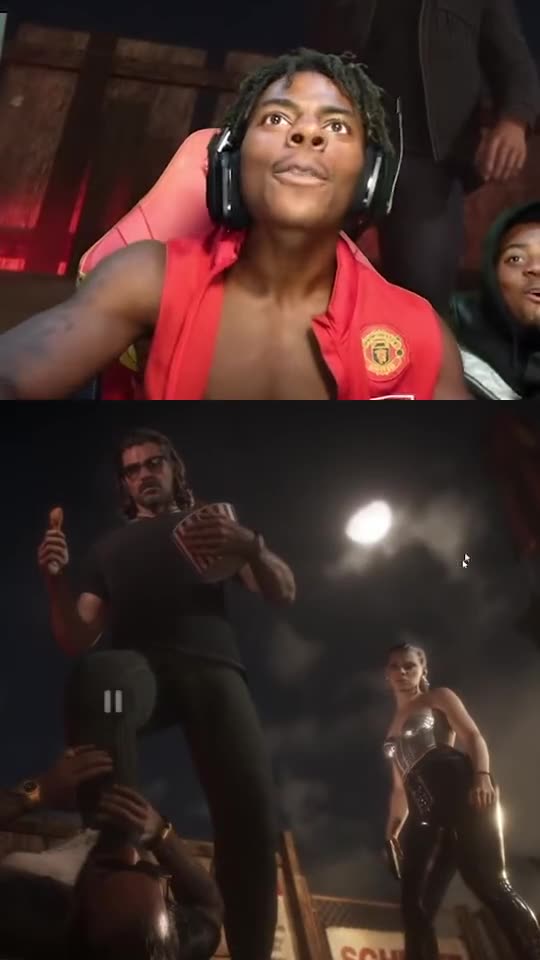
Most YouTube videos are 16:9. The AI reframes each Short to 9:16, following whoever is talking, and stacks facecam and gameplay for gaming videos. See smart vertical reframing.
Shorts and monetization
YouTube shares Shorts ad revenue with members of the YouTube Partner Program. Rules and thresholds are set by YouTube and can change. Read YouTube Shorts monetization for an overview.
Getting more from each upload
- Run one project on your newest video every time you publish.
- Revisit older videos: evergreen topics can make strong Shorts years later.
- Use the brief to pull a theme across a video, like 'only the practical tips'.
- Make a part 2 when the original video continues after a Short.
On Auto, the number of Shorts adapts to your video's length; you can also set it yourself.
Can I turn any YouTube video into Shorts?
Only videos that are yours or that you have permission to use. You confirm it on every project.
What if my YouTube link doesn't go through?
Upload the file (you can download it from YouTube Studio) or use a Google Drive or Dropbox link. Your settings are kept.
How long can the YouTube video be?
Up to 70 minutes per project. For longer videos, pick a 70-minute range.
Try it on your own video
Paste a Twitch, Kick, YouTube or TikTok link and get captioned clips in minutes.